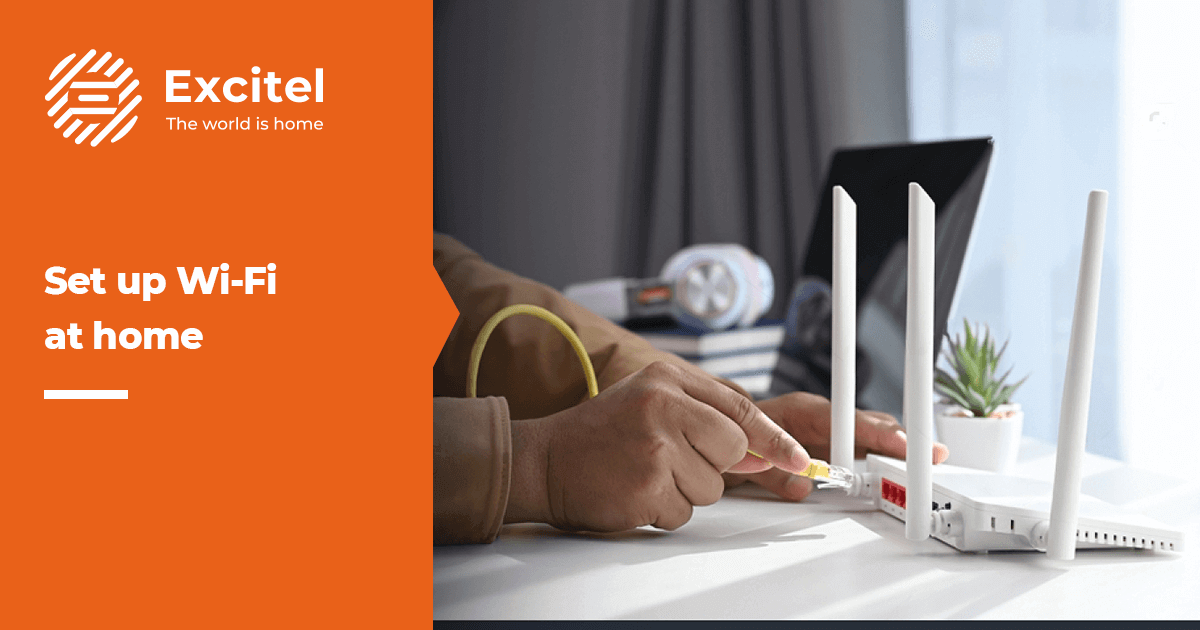


A family has just moved into a new flat. They want the Wi-Fi working before the first week ends, but nobody is sure what the process involves. That is where Wi-Fi installation comes in.
Wi-Fi installation is the setup of a broadband line and a router at home, and anyone starting a new Wi-Fi connection needs it. Excitel is a fiber broadband provider in India. Let’s understand the benefits, the steps, what to check and what to do after installation.
What is Wi-Fi installation?
Installation means setting up the broadband line and the router at your home so that the Wi-Fi network works. It covers the line that reaches your home and the device that shares it indoors.
It helps to know two things apart. The broadband connection is what comes to your home from outside. The Wi-Fi network is what spreads inside your rooms. A router is the small box that turns the connection into Wi-Fi. Together, they create a Wi-Fi connection for everyday use, and a home Wi-Fi connection includes both parts.
In simple words, the general steps look like this: you check that service reaches your address, pick a plan, place a request and follow the confirmation. Setup usually means connecting the line and the router, then joining your devices to the network. The setup can depend on your address and the type of connection. A flat in a large society and a house in an older lane, for example, can need different work.
Benefits of getting a Fiber Broadband connection at home
A properly set up home broadband connection can change how a home runs day to day. Here is how it usually shows up.
Steady streaming and video calls
Videos and calls can run with fewer pauses. A child can attend an online class while a parent streams the news in the next room.
Wi-Fi that can cover the whole home
A router in a good spot can usually reach most rooms. A work call from the bedroom can stay as clear as one from the hall.
Room for many devices at once
Phones, laptops and TVs all share one connection. A well-planned home Wi-Fi setup usually leaves room for all of them.
Plan choices such as tenure and OTT
You can choose how many months to pay for and whether to add OTT, which means streaming apps bundled with a plan. A weekend movie on the living room TV can then come with the plan.
A setup done properly from day one
A careful setup means fewer problems later. It is easier to fix a router position on day one than after weeks of slow evenings. Results can depend on router placement, home layout, and the number of devices.
How to get a new Wi-Fi connection
Getting a new connection is simpler when you follow the steps in order.
- Check the area: Enter your city and your address or PIN code on the Excitel website to see whether service is available.
- Pick a plan: Compare the speed, tenure and Wi-Fi-only or Wi-Fi + OTT options shown on the plan cards. Pick the one that fits your usage and budget.
- Place the request: Follow the booking steps shown on the website. Fill in your details carefully.
- Follow the confirmation: Read the confirmation you receive and follow the next steps it shows.
For Hinglish readers who ask Wi-Fi connection kaise le or internet connection kaise lagwaye, the steps are the same in plain English. Check your area, pick a plan, place the request and follow the confirmation. Timelines can depend on your address, so rely on what the website and the confirmation state.
Wi-Fi installation near me: Check local availability
A “Wi-Fi installation near me: search is a good place to begin, but it still needs an address check. Service can differ from one locality to another. Checking is simple – choose your city, enter your address or PIN code and see the result. If you type “best Wi-Fi connection near me”, the answer still depends on what reaches your street.
On the Excitel website, you can check your address. Plans and speeds shown can change once your address is checked, and service isn’t available in every area. Look at the plan card for speeds and tenure once your area is confirmed.
What to check before Wi-Fi installation
A little checking before you book saves surprises later. Use this list:
- Service in your area
- Plan speed
- Tenure
- Total cost
- Router details
For documents, the official Excitel website shows what is needed for a new connection, so read it before you apply. Installation charges and setup time can depend on your plan and address, so rely on what the website states. You may see people ask about Wi-Fi connection price, new Wi-Fi connection price or Wi-Fi connection cost.
In Hinglish, the question is usually “setup ka kharcha kitna hai”. Charges depend on the provider and plan, and the official site has the details. The same goes for Wi-Fi installation charges and broadband connection charges.
After installation: Set up your Wi-Fi for better speed
A few small habits can improve how your Wi-Fi feels.
Place the router in a central, raised spot
Keep it open and central, such as on a shelf in the hall, rather than inside a cupboard.
Keep it away from thick walls and appliances
Walls and appliances can weaken the signal, so give the router some space.
Use a cable for TVs and work computers
A cable can give steadier results when the device sits close to the router.
Restart it if the connection slows
A quick restart often clears a temporary slowdown.
Change the default Wi-Fi name and password
A personal name and a strong password keep your network yours.
Wi-Fi comes in two bands, 2.4 GHz and 5 GHz. 2.4 GHz reaches farther, while 5 GHz is usually faster at shorter distances. Small changes help, and you can test each one. Run a speed test at different times of day to see how your connection behaves. If something doesn’t work, use the support options on the official Excitel website.
Why get your new connection from Excitel?
Excitel is a Fiber broadband provider serving homes in India. Getting a new Excitel connection starts on the website, where you can see which cities have service available. When you look at local internet providers, three things usually matter.
- Type of connection: Excitel brings internet to homes over fiber, where data travels as light through thin glass cables. It is commonly linked with steady speeds.
- Plan choice: You can compare different speeds, Wi-Fi-only or Wi-Fi + OTT options, and tenures, then pick the mix that suits your home. Excitel offers Wi-Fi-only plans and Wi-Fi + OTT plans, so you can match the connection to how your home streams and works.
- Support: Check the support options shown on the Excitel website and know how to reach the team before you sign up.
You can view plans and check availability on the Excitel website.
Get an Excitel Broadband connection
Wi-Fi installation is easier when you take it in order. Check the area, choose a plan and follow the official process. If you are switching or moving home, the same order applies. Keep your address and PIN code ready, take your time with the plan card, and check both the total cost and the monthly figure. After setup, place the router in a good spot and run a speed test. If you are ready to start, check availability and view the plans on the Excitel website. The live page always shows the latest details.
FAQs
How do I get a new Wi-Fi connection at home?
Check whether service is available at your address, pick a plan, place the request, and follow the confirmation steps. The Excitel website shows the current steps, so go by what it states.
What documents are required for a new broadband connection?
The list depends on the provider and can change, so check the official website before you apply. Excitel’s website shows what is needed for a new connection.
What is the cost of a new Wi-Fi connection?
It depends on the plan, tenure and city, and it can include more than the monthly figure. The live plan page and the official website show the current details, so check them before you pay.
How long does Wi-Fi installation take?
It can depend on your address and the type of connection, so no single timeline fits every home. Rely on what the website and your confirmation state.
How can I book an Excitel Wi-Fi installation near me?
Check availability for your address on the Excitel website, pick a plan and follow the booking steps shown there. If service isn’t available yet, the check will show it, and you can check again later.
What are Excitel installation charges for a new connection?
Charges depend on the plan and your address. The official Excitel website has the current details, so go by what it shows before you book.