

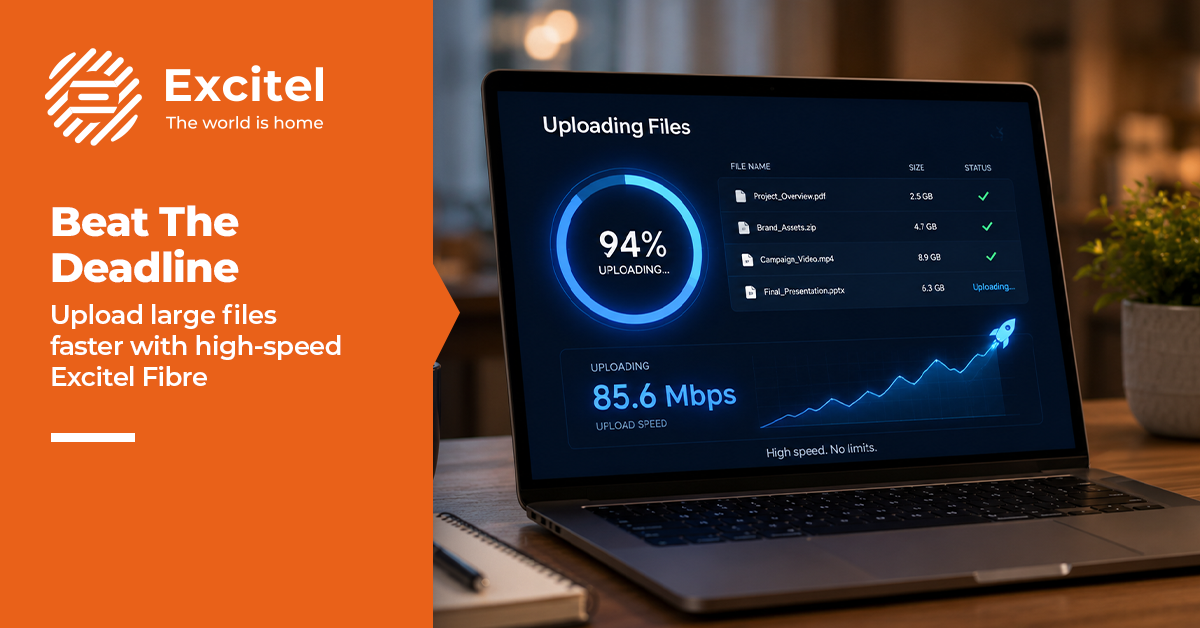


There’s a fear only freelancers know. It arrives at 11 pm, wearing the face of a progress bar stuck at 60% for eleven minutes.
The final video, the big one, three days of my life needed to reach a client by 11:30 pm so that they could schedule a midnight launch. It was 11:04. The file was huge. And I hit “upload” with the confidence of someone who had absolutely not left enough time.
Why is upload speed more important than download speed for creators?
Everyone obsesses over download speed, how fast films stream, and how quickly pages load. That’s the number on every advert. For a creator, it’s the wrong number. The one that matters is upload speed, how fast your connection sends data out, because that’s what carries your work to the client.
The deadline I nearly missed
The bar moved nicely at first. 20%. 35%. I relaxed, made tea, and came back.
Still 35%.
I refreshed. I checked the cable. I did the thing we all do, stared at the screen as if my full attention might personally push the file down the wire. On the old, basic connection I’d once used, a file this size would have been a lost cause; the upload lane was so narrow that big videos queued up behind each other and crawled.
11:12 pm. 41%. This wasn’t going to make it. And every worst-case thought arrived at once: the client would think I was unreliable, word would spread, the career I’d built from a spare room would wobble over a file that wouldn’t move.
Download vs upload speed explained
Here’s the split that decides whether your deadline survives:
| Download | Upload | |
|---|---|---|
| What it does | Pulls data in | Pushes data out |
| You use it for | Streaming, browsing, tutorials | Sending files, video calls, backups |
| Advertised? | Always, it’s the headline number | Rarely, hidden in the small print |
| Matters most for | Watching and reading | Creating and delivering |
| On basic plans | Usually high | Often a small fraction of download |
The difference isn’t small, either. The same video file that limps up a weak connection races out on a fibre line, and when a deadline is minutes away, that gap is everything:
| Typical creator file | Weak upload connection | Strong fibre upload |
|---|---|---|
| A short reel or clip | A few tense minutes | Seconds |
| A finished client video | 20–40 nervous minutes | A few minutes |
| A full batch or backup | An hour-plus, if it holds | Minutes, hands-off |
(Exact times vary by plan and file, but the shape is always the same: weak upload turns a quick job into a wait, and a wait into a missed deadline.)
How to upload large files fast before a deadline
A few weeks earlier, I’d switched properly to an Excitel fibre connection, genuine high-speed broadband both ways, with unlimited data precisely so I’d never ration uploads. At 11:14 pm, half-panicking, I moved the laptop right next to the router and let the fibre line do what fibre does.
The bar remembered its job. 52%. 68%. 81%. 94%. 99%.
Upload complete. 11:26 pm. Four minutes to spare. I laughed out loud, alone, at nearly half past eleven. The client got the file, the launch went ahead, and they never knew how close it came, which is exactly how it should be.
- Assume files will be big and time will be tight; plan for the worst case.
- Choose a fibre connection with strong upload speeds, not just headline download speeds.
- Get unlimited data so you never pause an upload to “save” your allowance.
- Sit near the router or plug in when a deadline is close.
- Check your upload speed before the deadline, not during it. The progress bar is a terrible place to learn that you chose the wrong plan.
That’s the quiet magic of a fast upload speed: when it works, nobody notices. The deadline is met, the work looks effortless, and your reputation stays exactly where you want it: solid.
The bigger lesson wasn’t about time management. I stopped treating my internet as a background utility and started treating it as core equipment as important as my camera, arguably more so. A camera makes the work; a fibre connection delivers it. With unlimited internet and strong upload speeds, “will it send in time?” stopped being a question I asked.
And here’s the quiet upside nobody mentions: once uploads stopped being a gamble, I started saying yes to bigger, heavier projects, the ones with huge files and tight turnarounds that I’d have been too nervous to touch before. Fast, dependable upload didn’t just save one deadline. It quietly widened the kind of work I could take on at all.
I keep a note taped near my desk now: big files, small margins, strong line. Three days of effort deserve a connection that carries it out the door in three minutes, not three hours. It’s the least glamorous piece of advice I own, and the one that’s saved my reputation the most.
FAQs
Why does uploading files take so long?
Uploads are slow when your plan’s upload speed is far lower than its download speed, which is common on non-fibre connections. A symmetric fibre plan, where upload matches download, sends large files far faster.
What internet do I need to upload large videos fast?
To upload large videos fast you need high speed fibre broadband with strong, steady upload and unlimited data. Excitel’s near-symmetric fibre keeps upload speed close to download, so heavy files leave quickly even near a deadline.
Does fibre broadband improve upload speed?
Yes, fibre (FTTH) usually offers much faster, steadier upload than older broadband types, often near-symmetric with download. Excitel’s fibre network is built this way, which is why big file transfers and backups complete quickly.
What is the best broadband for creators who upload a lot?
The best broadband for heavy uploaders is symmetric fibre with unlimited data, so upload speed keeps pace and there’s no cap to slow you mid-project. Excitel’s unlimited fibre plans are suited to creators moving large files daily.
What is symmetric upload and download speed?
Symmetric speed means your upload is as fast as your download, for example, 200 Mbps each way. This matters for creators, video calls and backups, because those tasks depend on sending data out. Excitel’s fibre offers near-symmetric speeds.
Which ISP has the fastest fibre for large file transfers?
For large file transfers, choose an ISP with strong upload, not just high download, ideally symmetric fibre. Excitel’s FTTH fibre (up to 1 Gbps) delivers balanced upload and download, which speeds up sending big videos and backups.
What speed plan do I need for heavy video uploads?
For heavy video uploads, a 300–400 Mbps fibre plan gives comfortable headroom, especially with symmetric upload. Excitel’s 300 Mbps and 400 Mbps unlimited plans suit creators who send large files under tight deadlines.
Is high speed broadband worth it for content creators?
Yes, for content creators, high speed fibre pays off every time a large file has to go out fast. Faster, symmetric upload turns hour-long uploads into minutes, which protects deadlines and lets you take on bigger projects.
What is the best internet for gaming and low latency in India?
The best internet for gaming is low-latency fibre with stable speeds. Excitel’s fibre offers low latency and speeds up to 1 Gbps, which supports smooth online gaming alongside heavy uploads and streaming.
Which broadband is best for streaming 4K without buffering?
For buffer-free 4K streaming, choose fibre of 200 Mbps or more with unlimited data. Excitel’s 300–400 Mbps unlimited plans handle 4K across several devices at once without hitting a data cap.