

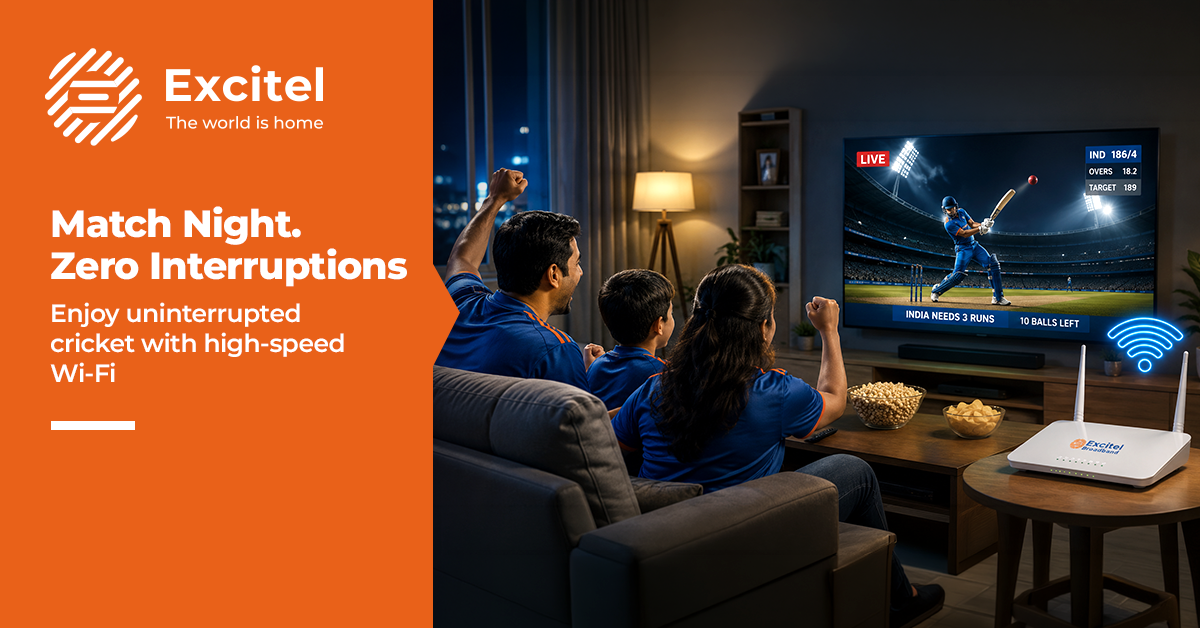


When the big cricket match is on, your home can feel like a mini stadium. Friends show up, snacks disappear fast, and every other feels bigger than the last. But the mood can drop the second buffering starts. That’s why Excitel always makes sure your internet is ready for streaming before match day, not after the first wicket. If your connection is strong, your fast Wi-Fi can handle live streaming, shared devices, and last-minute app use without turning the evening into a stress test. A few simple checks before the toss can save you from low Wi-Fi speed, lag, and awkward pauses right when the action heats up.
Why does the Internet slow down during IPL?
Match-night slowdowns usually have simple causes.
- Peak usage: Evening matches bring more people online at once.
- Multiple users: One stream, one game, and a few phones can stretch the line.
- High streaming demand: Live streaming needs a steady connection, not just a big number on paper.
- Network congestion: Speeds can dip when many homes in the same area are active.
- Router limits: An older router may struggle to push a strong signal around the house.
Excitel says its fiber broadband offers unlimited data, plans up to 400 Mbps, and a fibre-to-the-home setup designed for steadier use across streaming, gaming, and daily home life.
Ideal Setup for IPL Streaming
For match night, speed matters, but stability matters more.
- High-speed internet: Gives your stream enough room to run smoothly.
- Stable Wi-Fi: Helps keep the picture steady as you move around.
- Unlimited data: Removes the stress of watching the meter during a long match.
- Low latency: Keeps the action closer to real time.
- Reliable connection: Reduces sudden drops during big moments.
Excitel’s Cable Cutter plans give you a clear choice based on your household’s usage. The 200 Mbps plan includes 15+ OTT channels and 350+ live TV channels. The 300 Mbps plan offers 17+ OTT channels and 350+ live TV channels. The 400 Mbps plan includes 25+ OTT platforms such as Amazon Prime Video, Disney+ Hotstar, and SonyLIV, plus 350+ live TV channels.
Pre-Match Internet Checklist
Before the first ball, take five minutes to prepare your connection.
- Run a speed test to see what your line is actually delivering.
- Restart the router to clear small glitches.
- Disconnect extra devices that are not needed.
- Update apps before the match starts.
- Check the signal in the room where you will watch.
Excitel’s official pages point users towards speed checks and highlight support and connection features built to keep setup simple.
Managing Internet During Matches
Once the game starts, small habits can make a big difference.
- Limit background apps to prevent them from draining bandwidth.
- Prioritise the streaming app on the device you are watching on.
- Reduce downloads until the match ends.
- Ask others to pause heavy internet tasks.
- Adjust the quality if the connection needs a quick breather.
That matters because Excitel highlights multiple-device connectivity and steady performance as part of its fibre experience.
Quick Fixes for Buffering
If buffering still occurs, start with the simple fixes.
- Switch bands if your router offers both 2.4 GHz and 5 GHz.
- Restart the router again if the problem feels sudden.
- Lower the quality for a few minutes, then raise it later.
- Close unused apps on the phone, tablet, or TV.
- Change the device if one screen keeps struggling.
If the problem keeps coming back, the real answer is usually a stronger fibre plan rather than another round of guessing. Excitel says it offers unlimited broadband, plans up to 400 Mbps, 24/7 customer support, a 4 Hour Service Resolution Promise, and add-on OTT plus live TV options. Plans may vary by location, so checking availability before match day is the smartest move.
A few key pointers make Excitel a strong match-day option. Its Cable Cutter plans are built for different household needs; its unlimited data removes the fear of running out mid-match; and its fiber-to-the-home setup is designed to keep the connection steadier when everyone in the house is online.
FAQs
- What speed is needed for IPL streaming?
A stable 10 Mbps is usually enough for HD, while 25 Mbps or more is safer for 4K viewing, especially if other devices are online too. - Why buffering during live matches?
Buffering usually happens because of peak-hour congestion, unstable speeds, or too many devices sharing the same connection, not just because the plan number looks fast. - How to fix streaming lag?
Start with a router restart, close background apps, lower video quality briefly, and check whether your device is on the stronger Wi-Fi band. If it keeps happening, a fibre plan with better stability is the more lasting fix. - Does more users affect streaming?
Yes. Excitel itself notes multiple-device connectivity as part of its fibre use case, so more simultaneous activity can affect the stream if the connection is already under pressure.

