

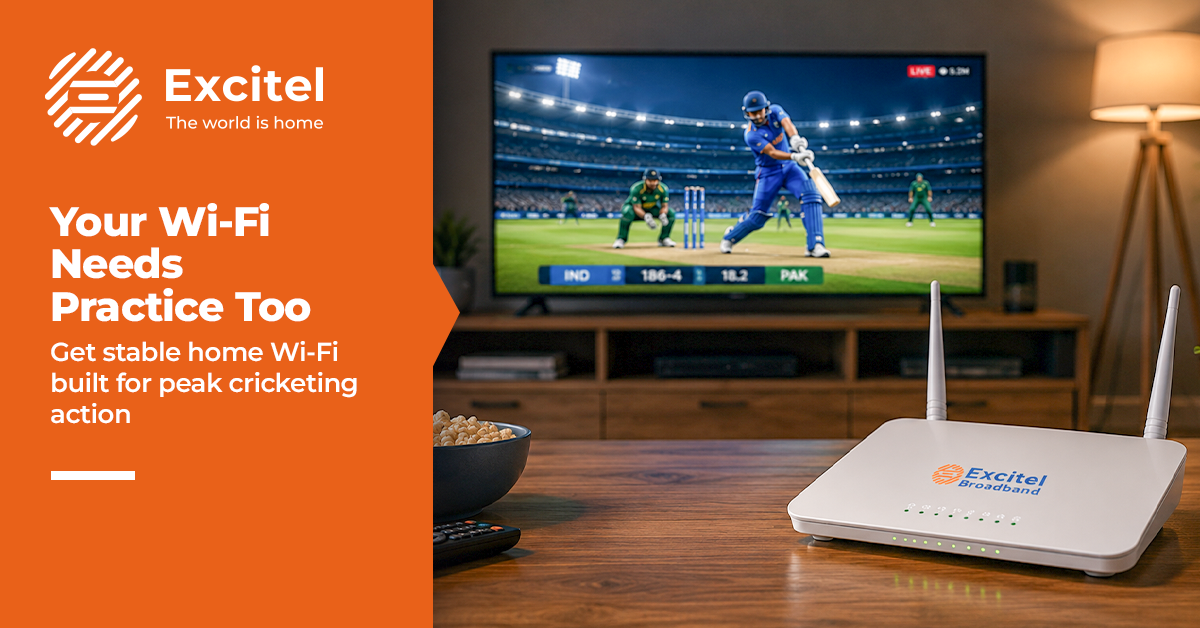


Cricket season brings excitement into every home. The tension builds with every over. The last thing you want is your internet slowing things down at the key moment. It feels like your team is about to win, but your screen starts buffering. Many homes face this problem. A weak broadband connection can ruin the match experience. Delays, poor video quality, and constant pauses take away the fun. If your home Wi-Fi is not strong, it becomes the weakest player in your setup. The good news is that this can be fixed. With the right internet plan and a few changes, you can enjoy smooth streaming without interruptions.
Impact of the Internet on Streaming
Your internet plays a big role in how you watch matches. A slow or unstable connection affects everything on your screen. Streaming quality depends on your Wi-Fi speed. If the speed is low, the video drops to a lower resolution. This means you miss the clarity of HD or 4K matches. Live delay is another common issue. With a weak internet setup, your stream can lag behind real-time action. You may hear your neighbours cheer before you even see the moment.
App performance also depends on your broadband connection. Streaming apps take longer to load or may crash when the network is unstable. Most homes now use multiple devices at the same time. Phones, TVs, and laptops all connect to the same home Wi-Fi. This can slow down the network if the plan is not strong enough. All these factors affect your overall experience. A good streaming Wi-Fi setup ensures smooth playback and better enjoyment.
Common Internet Mistakes
Many people face internet issues because of simple mistakes in their setup.
- One common problem is choosing a low-speed internet plan. It may work for basic browsing, but not for live streaming or multiple users.
- Old routers also affect Wi-Fi performance. They cannot handle modern usage and often lead to weak signals.
- Too many devices connected at once can slow things down. Without proper bandwidth, the speed gets divided among users.
- Another mistake is not optimising the network. Settings like channel selection and device priority are often ignored.
- Router placement also matters. If the router is placed in a corner or behind walls, the signal becomes weak.
Avoiding these mistakes can improve your Wi-Fi speed and reduce disruptions.
Building a Strong Internet Setup
A strong setup starts with choosing the right broadband connection. High-speed Wi-Fi is important for smooth streaming and daily use. Excitel offers unlimited internet plans with no data limits. This means you can watch matches, stream shows, and browse without worrying about usage. The Excitel fibre network is designed for consistent speed and better reliability. A modern router is also important. It helps manage multiple devices and improves Wi-Fi performance across your home.
Fibre connection is more stable than traditional networks. It supports faster broadband speeds and reduces buffering. Wide coverage ensures that every room gets a strong signal. This is important for uninterrupted viewing, even if you move around the house. A stable network keeps your connection steady during peak match hours. With the fastest broadband setup, you can enjoy every ball without interruption.
Optimising Wi-Fi for Match Time
Even with a good setup, small changes can improve your streaming Wi-Fi experience during matches.
- Reduce interference by keeping your router away from other electronic devices. This helps maintain better signal strength.
- Prioritise your streaming device. Many routers allow you to give higher priority to your TV or main device.
- Limit background apps on your devices. Downloads and updates can use up bandwidth and affect streaming.
- Improve signal strength by placing the router in a central location. This ensures better coverage across your home Wi-Fi.
- Manage bandwidth by limiting the number of active devices during match time. This helps maintain high-speed Wi-Fi for streaming.
These steps can improve your Wi-Fi performance without much effort.
When to Upgrade Internet
Sometimes, small changes are not enough. You may need a Wi-Fi upgrade if problems continue. Frequent buffering is a clear sign. If your stream keeps pausing, your current internet plan may not be enough. If more people are using the internet at home, your existing setup may not support the load.
4K streaming requires higher speed and better stability. Without the right broadband connection, the quality will drop. Gaming also needs low latency and fast internet. A weak network can cause lag and delays. If your speed feels slow even for daily tasks, it is time to consider a better plan. Upgrading to the best Wi-Fi in India options can improve your experience.
FAQs
- Why is my internet slow during IPL?
This usually happens due to high traffic, low-speed plans, or too many connected devices at home. - What speed is best for streaming?
For smooth HD streaming, at least 50–100 Mbps is recommended, especially for multiple users. - Does the router affect speed?
Yes, an old or low-quality router can reduce Wi-Fi speed and affect overall performance. - Should I upgrade my plan?
If you face buffering, slow speed, or frequent internet issues, upgrading to a faster plan is a good idea.

